AI chatbot for HVAC companies: capture leads at night
An AI chatbot for an HVAC company answers the questions homeowners ask when their heat or AC fails, at any hour, and collects their contact details so you can call back first. It does not diagnose or book; it makes sure a request reaches you instead of reaching a competitor.
The lead problem in HVAC
HVAC demand is driven by breakdowns. A furnace dies on the coldest night, an AC quits during a heatwave, and the homeowner searches on their phone straight away. The company that answers first often gets the call. After hours, that is nobody unless you answer a phone all night.
The top five questions to answer
- Do you do emergency service? Say exactly when, and whether there is an after-hours fee. If you do not offer it, say so and say when you open.
- Which areas do you cover?
- Do you service my brand and type of system? List what you repair and install.
- Do you give free quotes for replacement? Explain what decides the price without stating one.
- Are you licensed and insured? State your licence details.
Example conversation
(An example, not a real customer.)
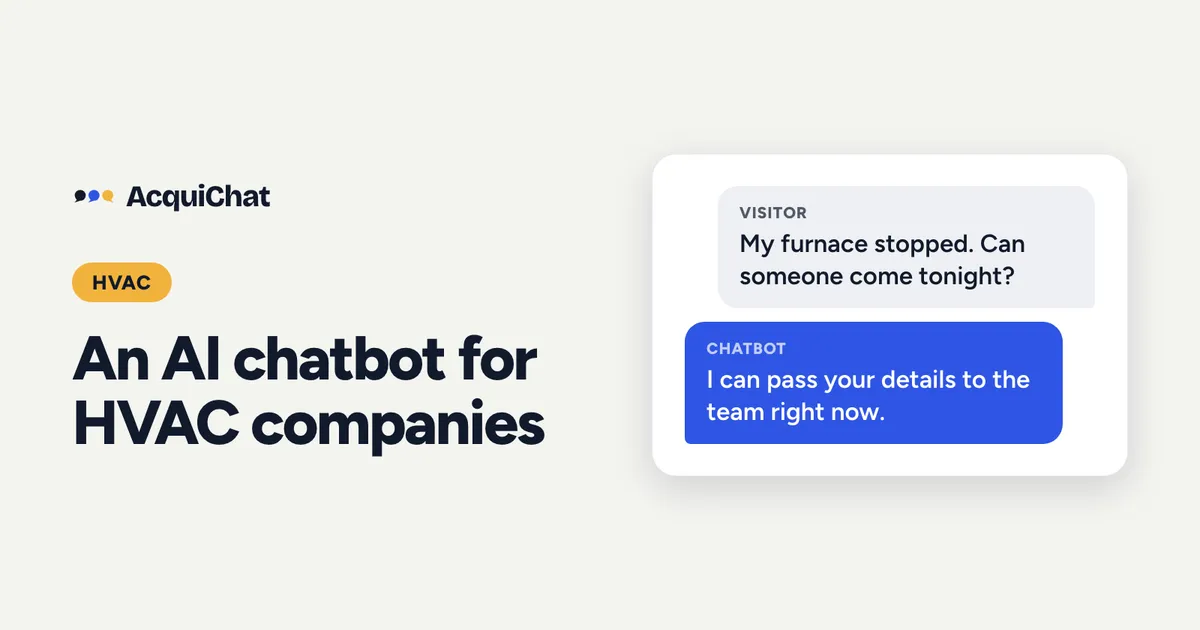
Visitor: My furnace stopped working and it’s freezing. Can someone come tonight?
Bot: Sorry to hear that. I can’t promise a time, but I can pass your details to our team right now. If you smell gas, leave the house and call your gas company’s emergency line first. Would you like the team to contact you?
The visitor taps “Yes, contact me”. The chat then asks for their name and phone, one question at a time.
Bot: Thanks, your details have been sent to the team.
Write the safety line yourself and keep it short; the bot repeats what you give it.
Set it up
- Create a free AcquiChat account and start from a template.
- Add the five answers above to the knowledge base.
- In the instructions: never diagnose, never quote a price, always offer to pass details to the team, and for gas or carbon monoxide, point to emergency services.
- Publish and add the embed script to your site. The steps are in how to set up a chatbot for your contracting business.
Heating season checklist
- Add a short entry about current response times, and update it when it changes.
- Put the chatbot link on your Google Business Profile.
- Read the conversations weekly and turn repeated questions into new entries.
Every lead is emailed to you with the conversation, so you start the call already knowing the problem. For why speed matters so much, see how much a lead is worth to a contractor.
No website needed to start. Publish, choose the page’s address in the Install tab, and the hosted chat page is ready to share on your service vans and your Google profile. You decide whether to ask for email, phone and a message now, and custom fields are coming soon, so the bot can ask for the type of system and whether it is an emergency too.
Start free before the next cold snap.
On the roadmap (coming soon). An MCP server is planned, so you will be able to ask an AI assistant such as ChatGPT or Claude whether any new leads came in, without opening a dashboard. Analytics and a summary of unanswered questions are coming too.
Frequently asked questions
Can the chatbot diagnose a furnace problem?
It should not. Tell it to share only basic safety guidance you wrote yourself, such as shutting off the unit, and to pass the request to your team.
Does the chatbot book appointments?
No. It collects the visitor's details and emails them to you, and you confirm the visit.