Chatbot for a snow removal business: sign up more clients
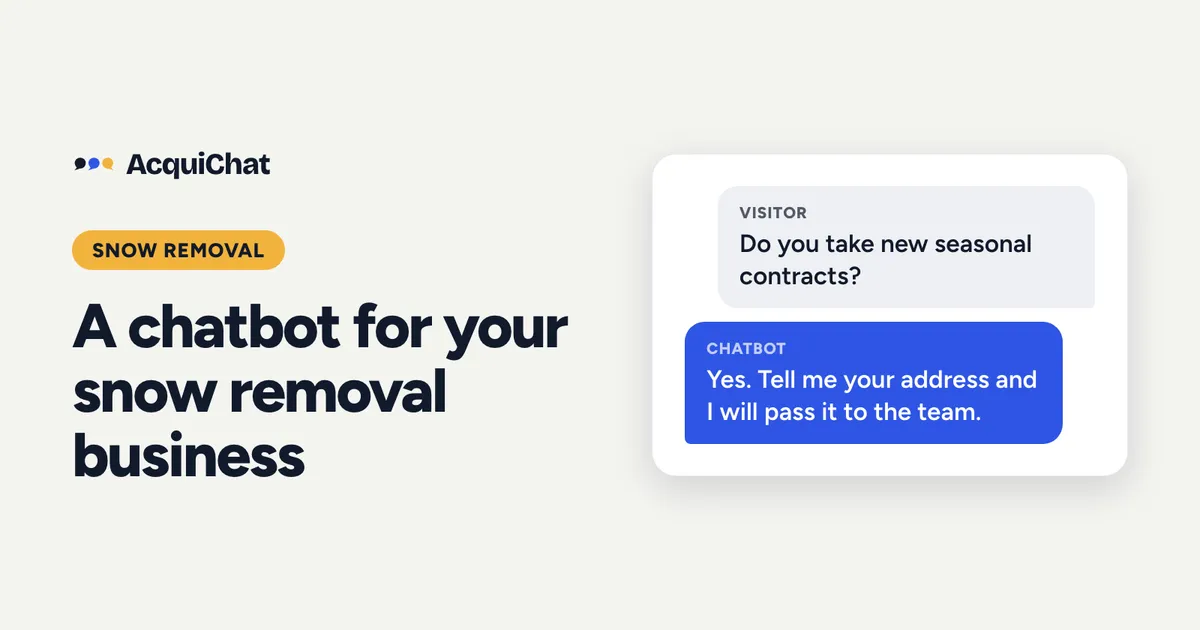
A snow removal company should add a chatbot before the first storm, so that homeowners and property managers searching for a plow at 5 a.m. get an answer and leave their details instead of calling the next company. It answers your contract questions and passes the serious sign-ups to you by email.
Snow removal is one of the most time-pressured trades. People shop for a contractor in a short window, usually when the forecast turns, and the first company to reply often wins the season. Here is how to use a chatbot for that window.
The lead problem in snow removal
- Demand arrives in bursts. Your phone rings all at once, during storms, when you are on a truck.
- Many visitors want a seasonal contract, not a one-off plow. That is a high-value lead worth a proper reply.
- Questions repeat: do you service my street, how is the price set, what happens when it snows overnight.
Five questions to put in the knowledge base
- What areas do you plow? List towns, postal codes or a radius.
- Do you offer seasonal contracts or per-visit pricing? Say which, and what decides the price (driveway size, lot size, frequency) without quoting a number you will not honour.
- What snowfall triggers a plow? Many companies set a depth, such as “2 inches or more”.
- Do you also salt or shovel walkways? Be clear on what is included.
- How do I sign up? Tell people to leave their address and contact details, and that you will get back to them.
Example conversation
(An example, not a real customer.)
Visitor: Do you take new seasonal contracts for a 3-car driveway?
Bot: We do. Pricing depends on the size and layout of the driveway, so we confirm after a quick look at your address. Would you like us to contact you?
The visitor taps “Yes, contact me”. The chat then asks for their name and a way to reach them, one question at a time.
Bot: Thanks, your details have been sent to the team.
Set it up in an afternoon
- Create a free AcquiChat account and create a chatbot from a template.
- Replace the template entries with your five answers above.
- In the instructions, say: never quote a firm price, never promise an arrival time during a storm, offer to pass details to the team.
- Publish, then add the script to your site or share the chatbot’s page link on your Google Business Profile.
The step-by-step version, with screenshots, is in how to set up a chatbot for your contracting business.
During a storm
Add a short entry such as “During heavy storms, routes run behind. We plow in the order of our contracts.” Visitors read it before they call, which means fewer anxious calls while you are driving. Update it as the season goes.
Keep the leads moving
Each lead is emailed to you with the conversation. Reply the same day with a call or text from your own phone. To judge how much a good reply is worth, see how much a lead is worth to a contractor.
Share it from day one. Your chatbot gets its own hosted chat page once you publish and choose its address in the Install tab, so you can put the link on your truck lettering and your Google profile before you touch your website, with no code. Today it collects a name and your choice of email, phone and message. Coming soon: you will be able to define exactly what the bot asks visitors, with custom fields such as the property address and the size of the driveway.
Start free before the first snow.
On the roadmap (coming soon). An MCP server is planned, so you will be able to ask an AI assistant such as ChatGPT or Claude whether any new leads came in, without opening a dashboard. Analytics and a summary of unanswered questions are coming too.
Frequently asked questions
When should a snow removal company add a chatbot?
Before the first snowfall. Searches for plowing spike when the forecast turns, and people sign with whoever answers first.
Can the bot take payments or schedule plows?
No. It answers questions and collects the visitor's details, and you follow up. Keep it to what it can do well.